Creating a cozy and productive home office can significantly improve your work-from-home experience. Whether you’re a freelancer, remote employee, or someone who occasionally works from home, your workspace plays a vital role in your efficiency and well-being. This guide offers simple yet effective tips to help you design a home office that feels inviting and supports your focus.
Why a Cozy and Productive Space Matters
A well-designed home office balances comfort with functionality. Comfort helps reduce stress and fatigue, while productivity-boosting elements help you stay focused and organized. The goal is to create an environment that makes you look forward to working every day.
—
Choosing the Right Location
Find a Quiet Spot
Select a space in your home that is relatively free from distractions. Avoid high-traffic areas if possible. A quiet corner or a spare room can serve as an ideal office.
Consider Natural Light
Natural light has been shown to improve mood and focus. Position your desk near a window but avoid harsh glare on your screen. If natural light is limited, invest in good quality artificial lighting.
—
Furnishing Your Home Office
Comfortable Seating
A good chair is a must-have. Look for one that provides proper lumbar support and adjustable features. Comfort here prevents back pain and helps you work longer without discomfort.
Desk Choices
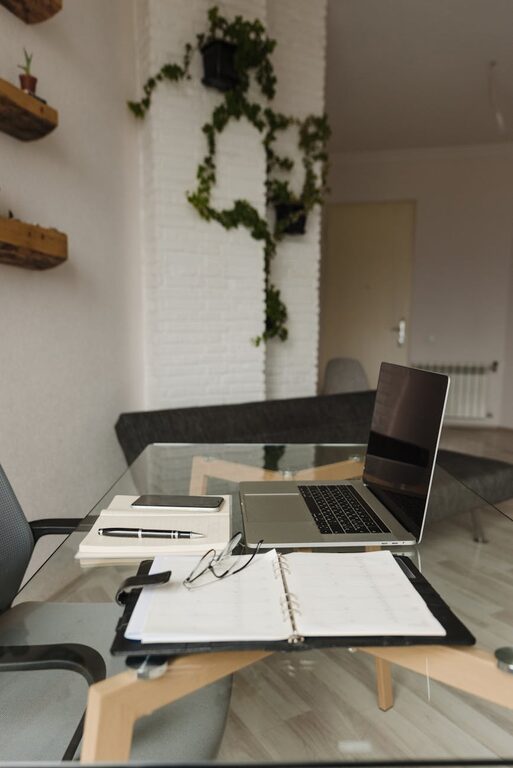
Choose a desk with enough space for your computer, notebooks, and any other essentials you need. If possible, consider adjustable desks that can be used both sitting and standing.
Storage Solutions
Clutter can disrupt your workflow. Incorporate shelves, drawers, or filing cabinets to keep your documents and office supplies organized and within reach.
—
Personalizing for Comfort and Inspiration
Add Soft Textures
Include cozy elements such as cushions, rugs, or curtains to soften the look of your office and create a warm atmosphere.
Plants and Greenery
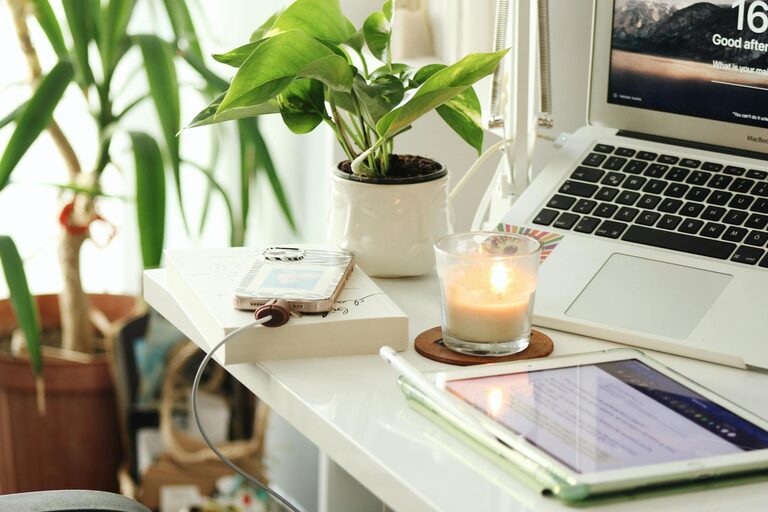
Indoor plants bring life to your workspace. They improve air quality and add a touch of nature, which can reduce stress.
Art and Decorations
Incorporate artwork or photos that inspire you. Personal touches make the space feel uniquely yours and can motivate creativity.
—
Organizing for Efficiency
Declutter Regularly
Set aside time each week to tidy up your workspace. A clean desk helps clear your mind.
Use Organizational Tools
Use trays, holders, cable organizers, and digital tools like task apps to keep your work streamlined.
Set Up Zones
If space allows, create zones for different activities, such as a computer work area, a reading nook, or a brainstorming corner.
—
Lighting and Technology Setup
Layered Lighting
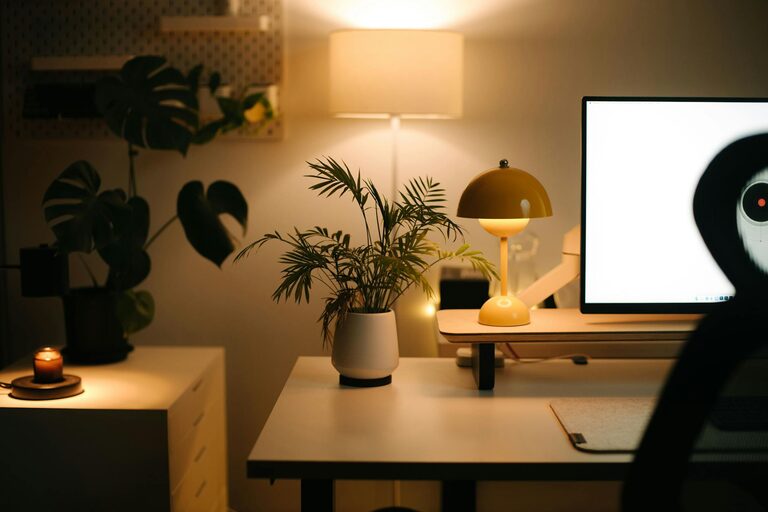
Mix overhead lighting with task lighting such as desk lamps. Adjustable lighting helps reduce eye strain and improves focus.
Invest in Quality Equipment
Use a reliable computer, a good monitor, and an ergonomic keyboard and mouse. Technology that functions well minimizes frustration and downtime.
Manage Cables Neatly
Use cable clips or sleeves to keep wires organized and out of the way, reducing clutter and accidents.
—
Maintaining Work-Life Balance
Set Boundaries
Define your work hours and stick to them. Avoid working in bed or on the couch to maintain a mental separation between work and relaxation.
Take Breaks
Incorporate short breaks to stretch or rest your eyes. A cozy office should also encourage well-being.
—
Final Thoughts
Designing a home office that is both cozy and productive is about balancing comfort with practical needs. By choosing the right space, furnishing it thoughtfully, and organizing efficiently, you create an environment where you can thrive. Personal touches and good lighting complete the picture, helping you maintain focus while enjoying your workspace.
Remember, this space should evolve with you. Feel free to adjust things as your needs change to keep your home office a pleasant and effective place to work.