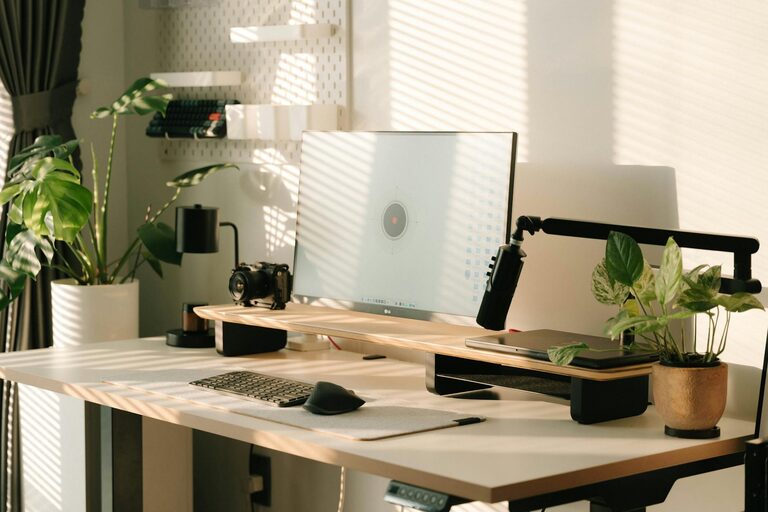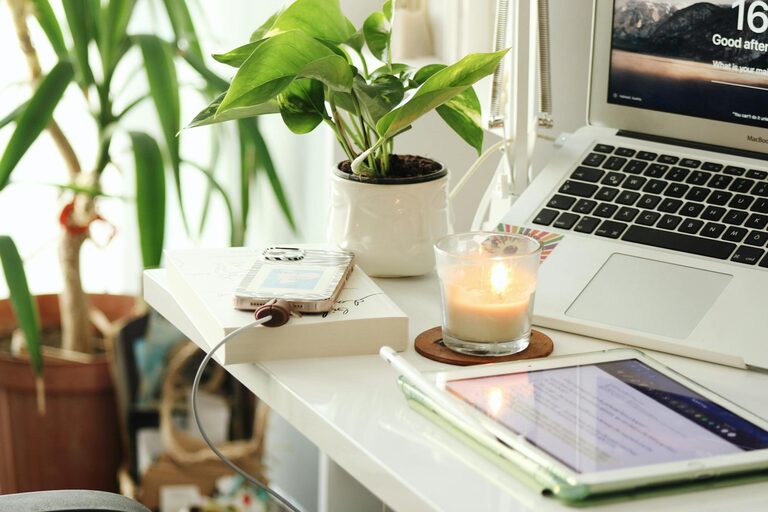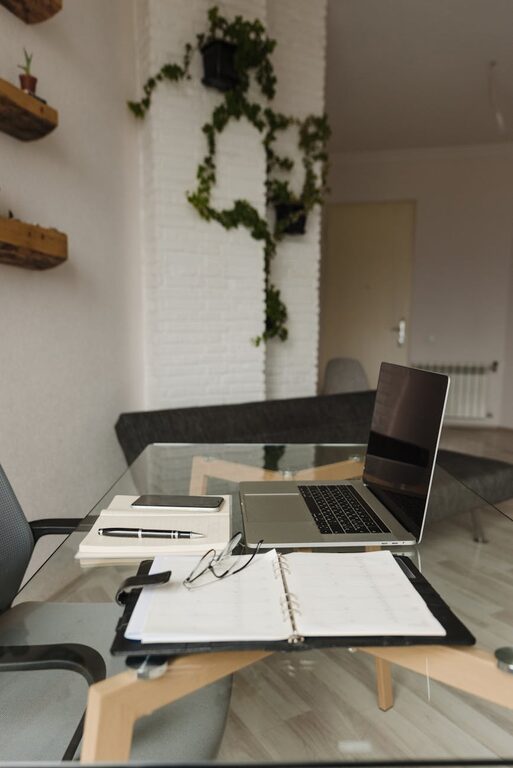
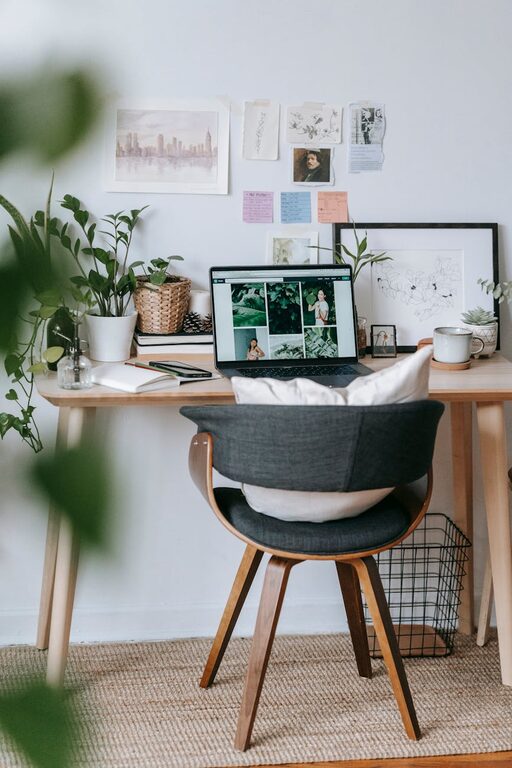
Creating a home office that is both cozy and productive can transform your work-from-home experience. With the right setup, you can enjoy a comfortable environment that inspires focus and creativity. Whether you’re setting up a new space or improving an existing one, these tips will help you design a home office tailored to your needs.
Choose the Right Location
Finding the perfect spot for your home office is the first step. Ideally, select a quiet area with minimal distractions.
– Natural Light: Try to place your desk near a window. Natural light improves mood and reduces eye strain.
– Away from Noise: Avoid busy areas like the kitchen or living room to minimize interruptions.
– Space to Move: Ensure there’s enough room for your desk, chair, and any equipment you need.
Invest in Comfortable and Functional Furniture
Having the right furniture can make a big difference in comfort and productivity.
– Ergonomic Chair: Choose a chair with good lumbar support to prevent back pain.
– Adjustable Desk: Consider a desk with adjustable height to alternate between sitting and standing.
– Ample Surface Area: Ensure your desk has enough space for your computer, documents, and office supplies.
Organize for Efficiency
A cluttered workspace can distract you and reduce efficiency. Keep your office organized with these ideas:
– Storage Solutions: Use shelves, drawers, and organizers to keep items tidy.
– Cable Management: Use clips or sleeves to keep cords neat and out of the way.
– Minimal Desk Setup: Keep only essential items on your desk to maintain focus.
Personalize Your Space
Adding a personal touch helps make your office feel inviting and comfortable.
– Decor: Hang artwork or photos that make you happy or inspired.
– Plants: Adding greenery can improve air quality and create a calming atmosphere.
– Soft Textiles: Use cushions, rugs, or a cozy blanket to add warmth and comfort.
Optimize Lighting
Good lighting is essential for reducing eye strain and maintaining energy throughout the day.
– Layered Lighting: Combine natural light with overhead lighting and task lamps.
– Adjustable Lamps: Use adjustable desk lamps to direct light where you need it most.
– Avoid Glare: Position your screen perpendicular to windows to prevent glare.
Minimize Distractions
Staying focused can be challenging when working from home.
– Noise Control: Use noise-cancelling headphones or background music if needed.
– Clear Boundaries: Inform family or housemates of your working hours.
– Digital Discipline: Use apps or browser extensions to limit online distractions.
Maintain a Healthy Routine
A successful workspace supports good habits.
– Break Space: Have a dedicated spot nearby for short breaks to stretch or relax.
– Hydration: Keep a water bottle at your desk to stay hydrated throughout the day.
– Regular Cleaning: Keep your workspace clean and tidy to foster a positive mindset.
Use Technology Wisely
The right tech tools can improve your workflow.
– Reliable Equipment: Invest in a good computer, fast internet, and necessary accessories.
– Organizational Tools: Use calendars, task managers, and note-taking apps to stay on track.
– Backup Systems: Regularly back up work to avoid data loss.
Final Thoughts
Creating a cozy and productive home office doesn’t require a major overhaul. With thoughtful choices and gradual improvements, you can build a workspace that supports your well-being and efficiency. Remember that your home office should reflect your personality while meeting your work needs. Keep experimenting until you find the perfect balance for you.