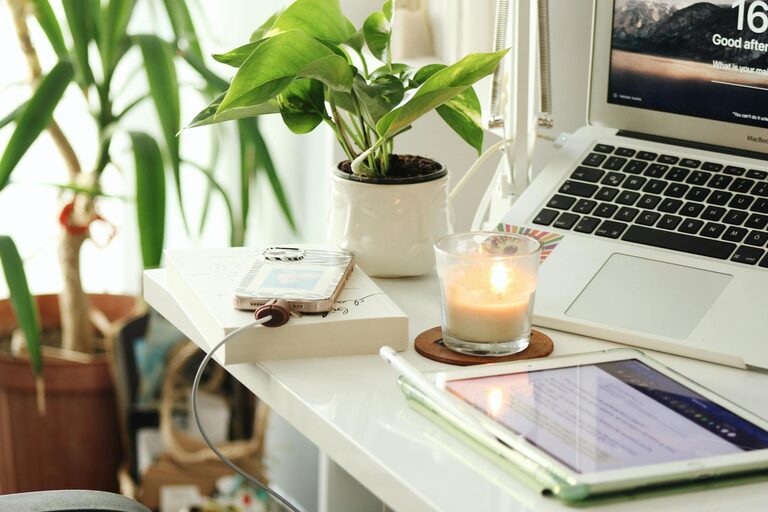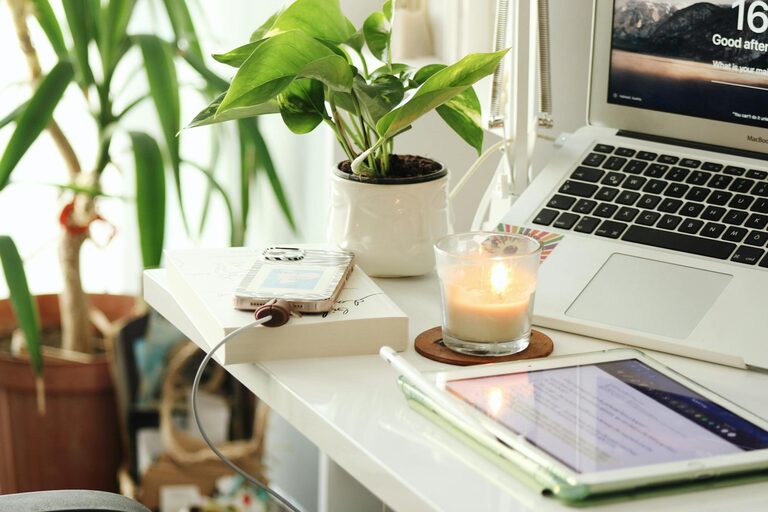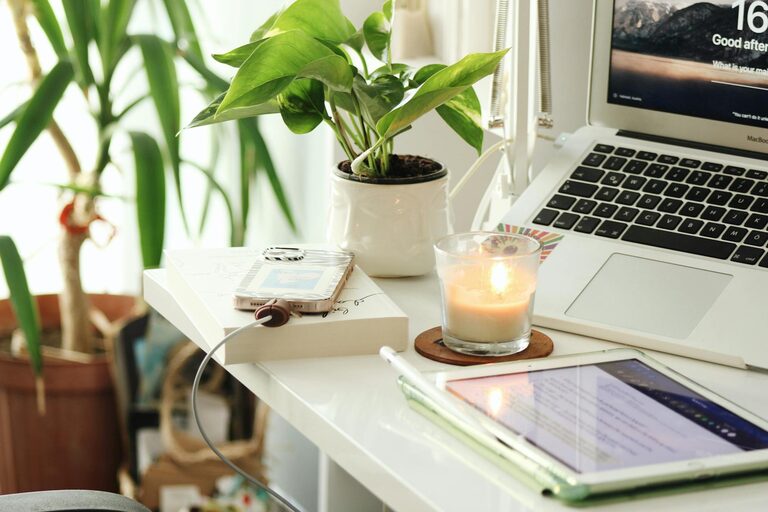
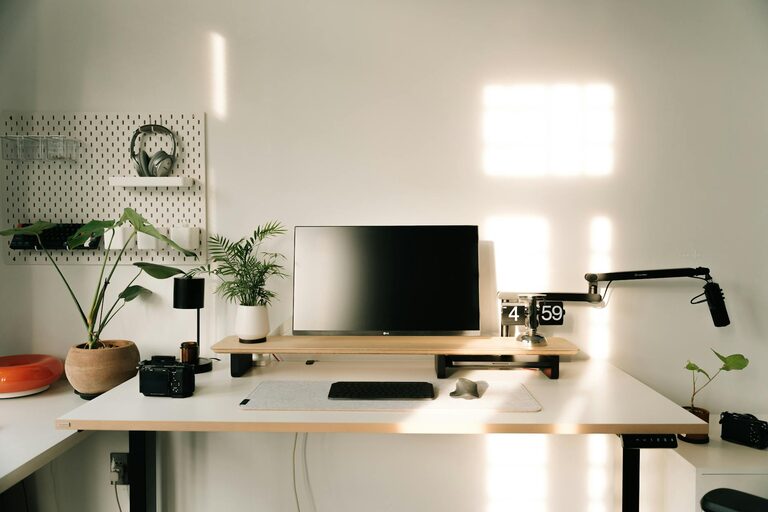
Creating a home workspace that feels cozy and supports productivity can make a big difference in your daily work routine. Whether you’re new to working from home or looking to improve your current setup, this guide offers practical tips to help you design a space that’s comfortable, inspiring, and efficient.
Why a Cozy Workspace Matters
A cozy workspace isn’t just about aesthetics—it can impact how motivated and focused you feel during the day. When your environment feels inviting, you’re more likely to enjoy your work, reduce stress, and maintain a better work-life balance. Comfort and organization go hand in hand to create a space where productivity flourishes.
Choose the Right Location
Find a Quiet Spot
Pick a space in your home that is relatively quiet and free from distractions. This helps you concentrate and communicate clearly during calls or meetings.
Consider Natural Light
If possible, position your desk near a window to take advantage of natural light. Sunlight can boost mood and energy levels, making your workspace feel more welcoming.
Invest in Comfortable Furniture
Ergonomic Chair
A supportive chair helps prevent back pain and fatigue, keeping you comfortable for longer periods of work.
Desk at Proper Height
Choose a desk that suits your height or get an adjustable one. Your arms should rest at a 90-degree angle while typing to avoid strain.
Add a Footrest
If your feet don’t comfortably reach the floor, a footrest can help improve posture and circulation.
Organize with Purpose
Declutter Regularly
Keep only the essentials on your desk. A clutter-free space reduces stress and helps you stay focused.
Use Storage Solutions
Shelves, drawers, and organizers keep papers and supplies neat and within easy reach.
Cable Management
Tidy cables with clips or sleeves to keep your workspace looking clean and prevent tangled wires.
Personalize Your Workspace
Add Greenery
Plants not only brighten up your desk but also improve air quality and create a calming atmosphere.
Incorporate Soft Textiles
A cozy rug, cushions, or a throw blanket can make your workspace feel warmer and more inviting.
Display Inspiring Items
Photos, artwork, or motivational quotes can boost your energy and create a positive environment.
Optimize Lighting
Combine Natural and Artificial Light
Use a desk lamp with adjustable brightness to supplement natural light, especially during darker hours.
Choose Warm Light Bulbs
Warm-toned bulbs create a comfortable and relaxing ambiance compared to harsh white light.
Create Boundaries for Work and Life
Set a Defined Workspace
Keep your workspace separate from living areas to help mentally switch between work and relaxation.
Establish a Routine
Start and finish your workday at consistent times and take regular breaks to stay refreshed.
Technology and Tools
Reliable Internet Connection
Ensure your Wi-Fi is strong enough to handle calls, uploads, or downloads without interruptions.
Use Productivity Apps
Calendars, to-do lists, and focus timers can help manage tasks and deadlines effectively.
Invest in Quality Equipment
A good keyboard, mouse, and headset can improve comfort and communication.
Final Thoughts
Designing a home workspace that balances coziness with productivity is all about making thoughtful choices that fit your habits and preferences. With the right location, furniture, organization, and personal touches, your home office can become a place where you look forward to working every day.
Start small, experiment with what feels best, and enjoy the benefits of a space tailored just for you.