Creating a relaxing home workspace is essential for improving both productivity and well-being, especially as many people spend more time working remotely. A thoughtfully arranged workspace can help reduce stress, maintain focus, and make your day more enjoyable. In this post, we’ll share practical tips on how to set up a calm and effective home office environment.
Why a Relaxing Workspace Matters
A cluttered or chaotic workspace can lead to distractions and increased stress, negatively affecting your work quality and mental health. Conversely, a relaxing area encourages concentration, creativity, and a more balanced work-life routine.
Choosing the Right Location
Find a Quiet Spot
Select a place in your home where you are less likely to be interrupted or distracted. Ideally, this space should be away from high-traffic areas or noisy appliances.
Natural Light is Key
Position your desk near a window if possible. Natural light helps reduce eye strain and lifts your mood. If natural light is limited, opt for full-spectrum light bulbs that mimic daylight.
Ergonomic and Comfortable Furniture
Invest in a Supportive Chair
A comfortable chair with good lumbar support can prevent back pain during long working hours. Adjustable chairs allow you to customize height and tilt for the best posture.
Desk Height and Layout
Choose a desk height that allows your elbows to rest at a 90-degree angle while typing. Keep essential items within easy reach to avoid unnecessary stretching or strain.
Organize and Declutter
Use Storage Solutions
Incorporate shelves, drawers, or organizers to keep documents and office supplies neatly stored. This reduces clutter and makes it easier to find items when needed.
Keep Surfaces Clear
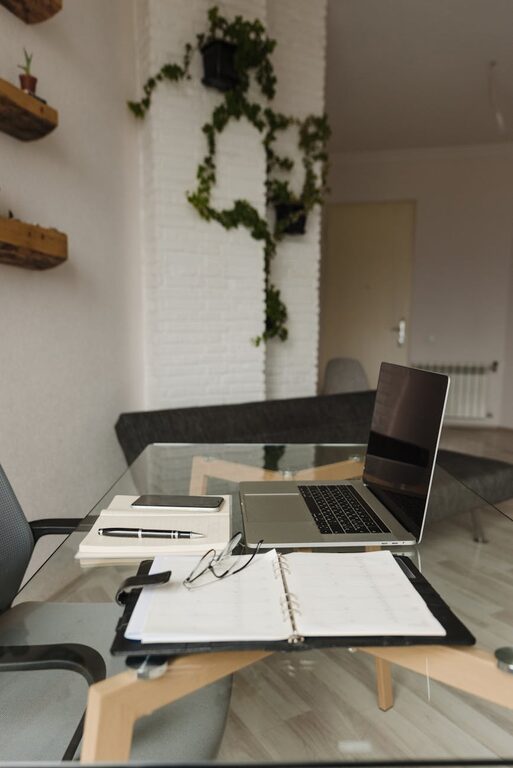
Only keep what you use daily on your desk. A clear workspace promotes a clear mind.
Personalize Your Space
Add Plants
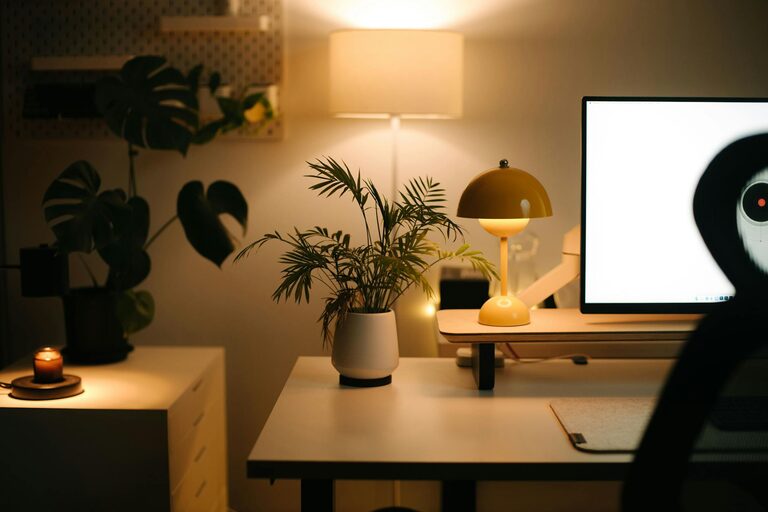
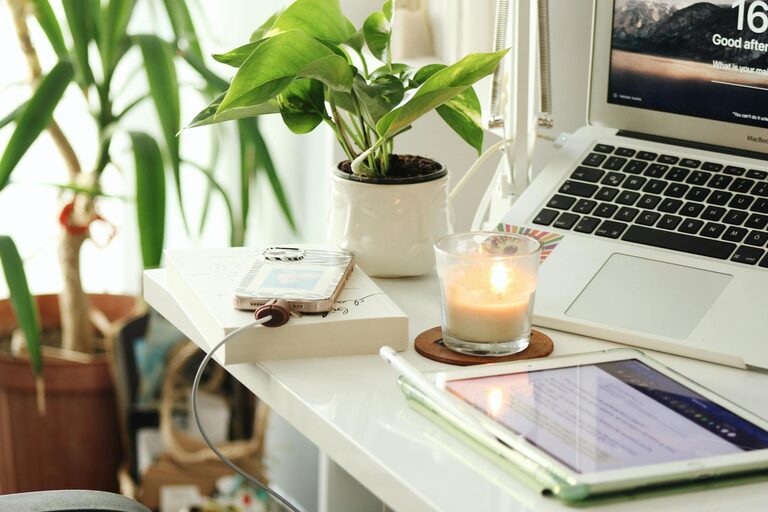
Indoor plants not only improve air quality but also add a calming touch of nature. Opt for low-maintenance plants like succulents or pothos.
Use Calming Colors
Choose soft, neutral colors or shades of blue and green to create a serene atmosphere that helps reduce stress.
Display Meaningful Items
Incorporate photos, artwork, or objects that inspire you without causing distraction.
Manage Technology Wisely
Minimize Screen Glare
Position your monitor to avoid glare from windows or lights, which can cause eye strain.
Cable Management
Use clips or sleeves to keep cables organized and prevent them from tangling.
Set Technology Boundaries
Turn off non-essential notifications during work periods to maintain focus.
Incorporate Relaxation Techniques
Take Regular Breaks
Use reminders to stand up, stretch, or take short walks. Breaks boost mental clarity and physical well-being.
Try Aromatherapy
Aromas like lavender or peppermint can promote relaxation and alertness. Use essential oil diffusers or scented candles safely.
Include a Comfortable Seating Area
If space allows, add a small lounge chair where you can relax and reset during breaks.
Maintain Good Air Quality
Proper ventilation keeps your workspace fresh and reduces fatigue. Open windows when possible or use an air purifier to remove allergens.
Set a Consistent Routine
A predictable schedule helps your brain distinguish work time from relaxation time, enhancing productivity and preventing burnout.
Final Thoughts
Creating a relaxing home workspace may take some effort upfront, but the benefits for your productivity and well-being are well worth it. By choosing the right location, investing in comfort, organizing thoughtfully, and personalizing your area, you can enjoy a calm, efficient, and happy workday from home.