Creating a relaxing home workspace is essential for anyone wanting to boost productivity and maintain comfort throughout the day. With remote work on the rise, having a dedicated area that inspires focus without causing stress can make a significant difference in your work routine. Here are practical tips to help you design a workspace that promotes calmness and efficiency.
1. Choose the Right Location
Consider Natural Light
Select a spot in your home that receives plenty of natural light. Sunlight can improve mood and energy levels, which supports productivity. If natural light is limited, consider full-spectrum bulbs that mimic daylight.
Minimize Distractions
Pick a quiet area away from noisy appliances, distractions, or heavy foot traffic. This will help you stay focused and reduce interruptions during work hours.
2. Invest in Comfortable Furniture
Ergonomic Chair
Invest in a chair that supports proper posture. Look for adjustable height and lumbar support to prevent back and neck strain.
Spacious Desk
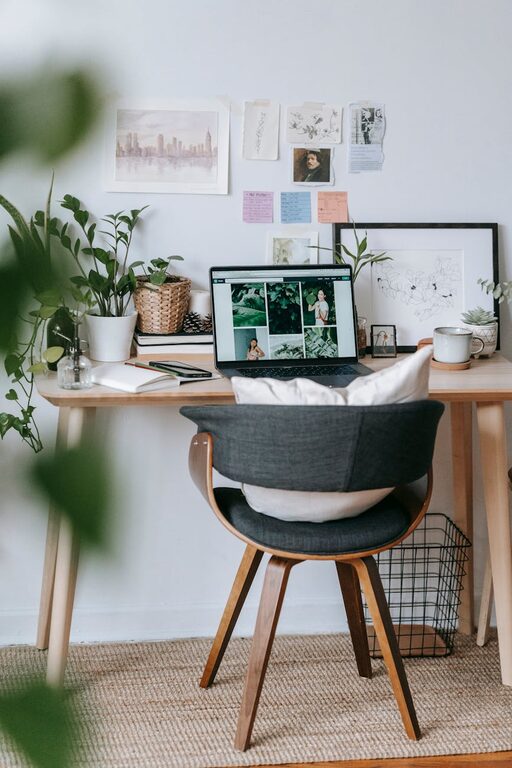
Choose a desk with enough surface area to hold your laptop or computer, notebooks, and any other tools you use regularly. A clutter-free workspace fosters a clear mind.
3. Keep the Space Organized
Use Storage Solutions
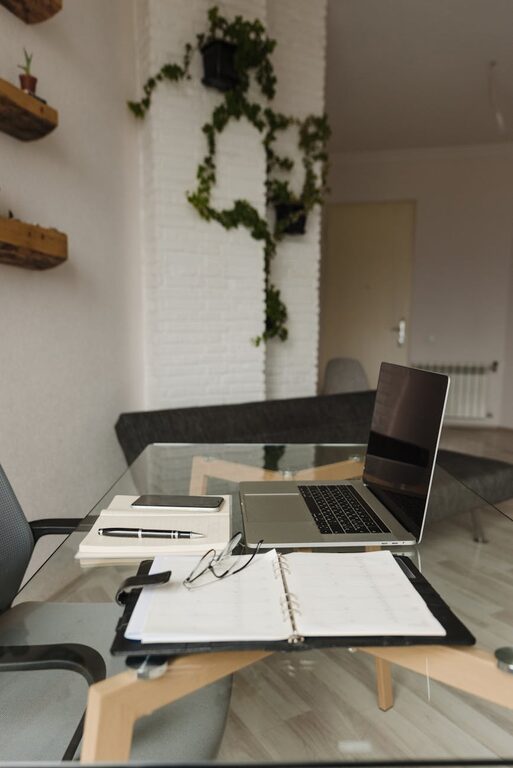
Declutter your desk with organizers, shelves, or drawers. Keeping pens, paper, and gadgets in order makes it easier to find items and maintains a tidy environment.
Regularly Clean the Area
Develop a habit of tidying your workspace at the end of each day. A clean space can reduce stress and prepare you for a productive next day.
4. Add Soothing Elements
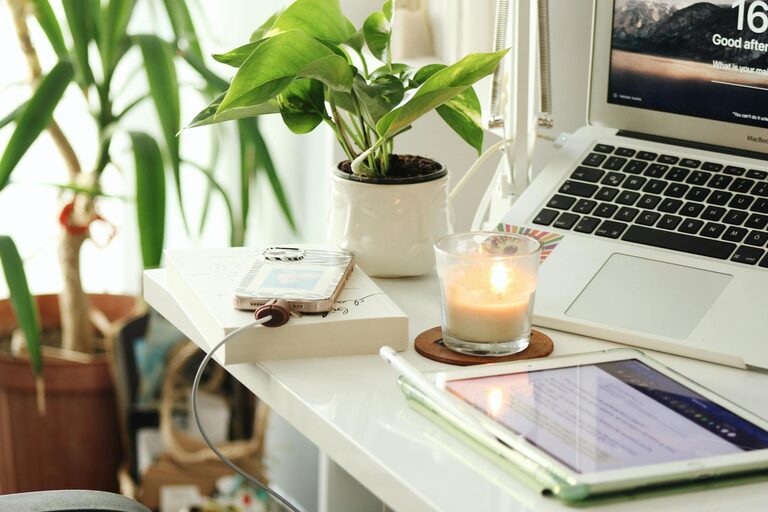
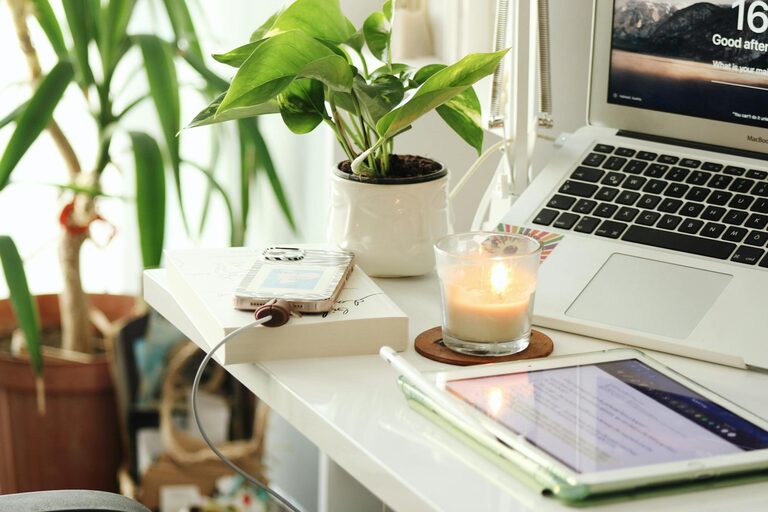
Incorporate Plants
Adding greenery can enhance air quality and bring a sense of calm. Choose low-maintenance indoor plants like succulents or spider plants.
Use Calming Colors
Soft, neutral colors like pale blues, greens, or beige can create a peaceful atmosphere. Avoid bright or harsh colors that might be distracting.
5. Control Lighting and Noise
Adjustable Lighting
Use lamps with adjustable brightness. This allows you to change the lighting based on the time of day or type of work.
Noise Management
If you can’t avoid ambient noise, consider noise-canceling headphones or playing gentle background music or white noise to improve focus.
6. Personalize Your Workspace
Add Inspiring Decorations
Photos, artwork, or motivational quotes can make your workspace feel welcoming and encourage creativity.
Use Comfortable Accessories
A supportive keyboard wrist rest, a soft mouse pad, or a cozy throw blanket can contribute to physical comfort during long hours.
7. Establish Boundaries Between Work and Relaxation
Separate Work and Leisure Areas
If possible, keep your workspace distinct from your relaxation spots. This separation helps your brain switch between work mode and rest time.
Set a Routine
Create a schedule for work hours and breaks. Taking regular breaks to stretch or move around can reduce fatigue and keep you refreshed.
Conclusion
Designing a relaxing home workspace is about balancing comfort, functionality, and aesthetics. By selecting the right location, investing in ergonomic furniture, keeping your space organized, and adding calming touches, you’ll create an environment that supports both productivity and well-being. Remember, the goal is to make your workspace a place where you feel motivated and relaxed, leading to better focus and more enjoyable workdays.